How it works in 3 minutes
At a high level, RoboSandbox is just a small stack that turns a task
string into calls to sim.step(). The pieces are simple, and most of
them are replaceable.
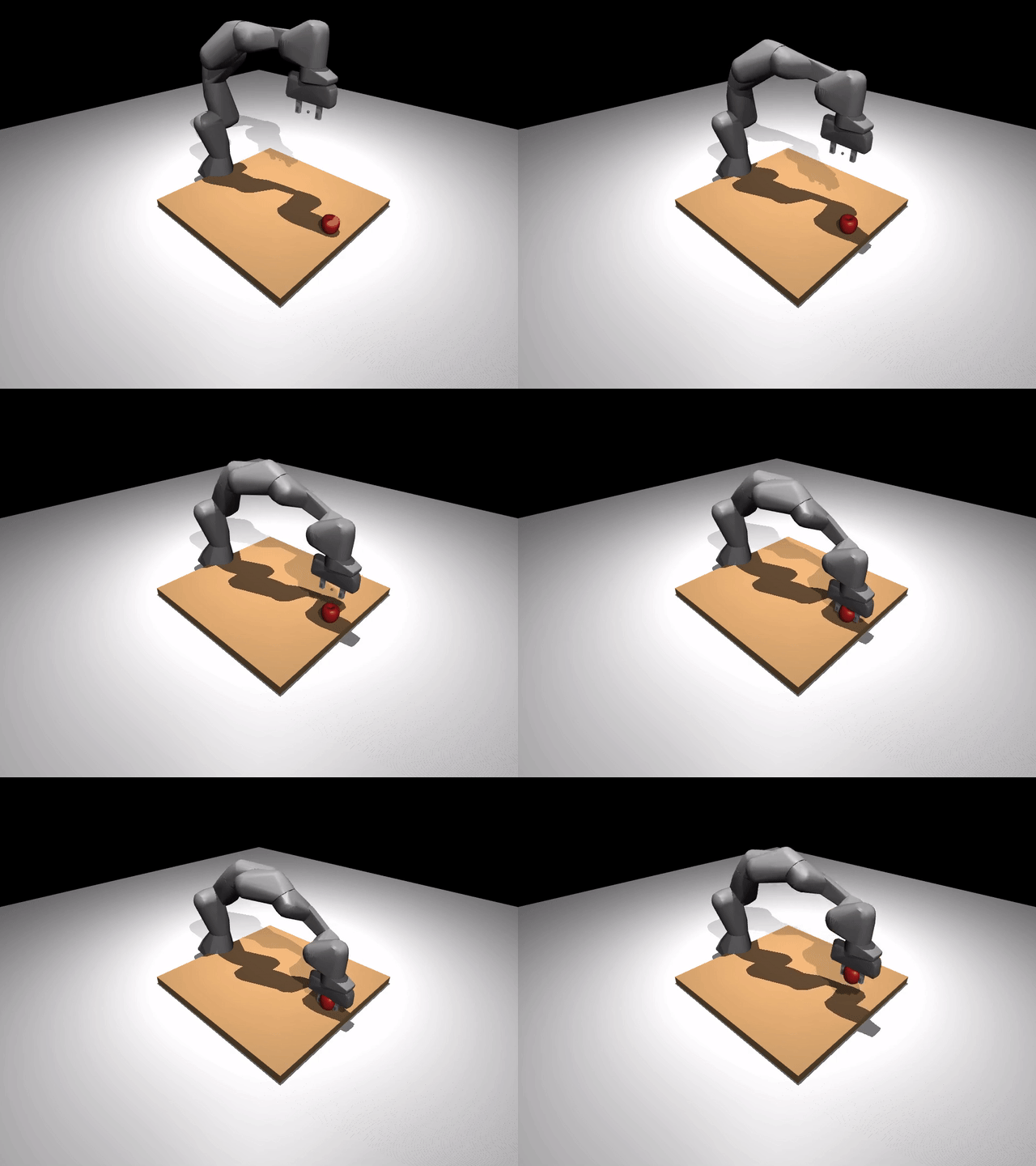
The four layers
"pick up the red cube"
       │
       ▼
┌──────────────┐
│   Planner    │  text + image → list[SkillCall]
└──────┬───────┘
       │  [SkillCall("pick", {"object": "red_cube"})]
       ▼
┌──────────────┐
│    Skill     │  orchestrates perception → grasp → motion → sim.step
└──────┬───────┘
       │
       ├─► Perception    "red_cube" → 3D point
       ├─► Grasp         3D point → Grasp(pose, width)
       └─► Motion/IK     joint trajectory → sim.step loop
                              │
                              ▼
                         ┌─────────┐
                         │ MuJoCo  │   physics advances one dt=5ms tick
                         └─────────┘
| Layer | Input | Output | Where |
|---|---|---|---|
| Planner | text + image + prior failures | list[SkillCall] |
agent/planner.py |
| Skill | SkillCall.arguments |
SkillResult(success, reason, artifacts) |
skills/*.py |
| Motion / IK | start joints + target pose | JointTrajectory |
motion/ik.py |
sim.step |
one joint-target vector | advances physics dt |
sim/mujoco_backend.py |
The important part is that the arm only moves inside sim.step.
Everything above that line is deciding what to do, where to move, or
what joint targets to send next.
Watch the phases
If you run the benchmark, the agent prints one line per phase:
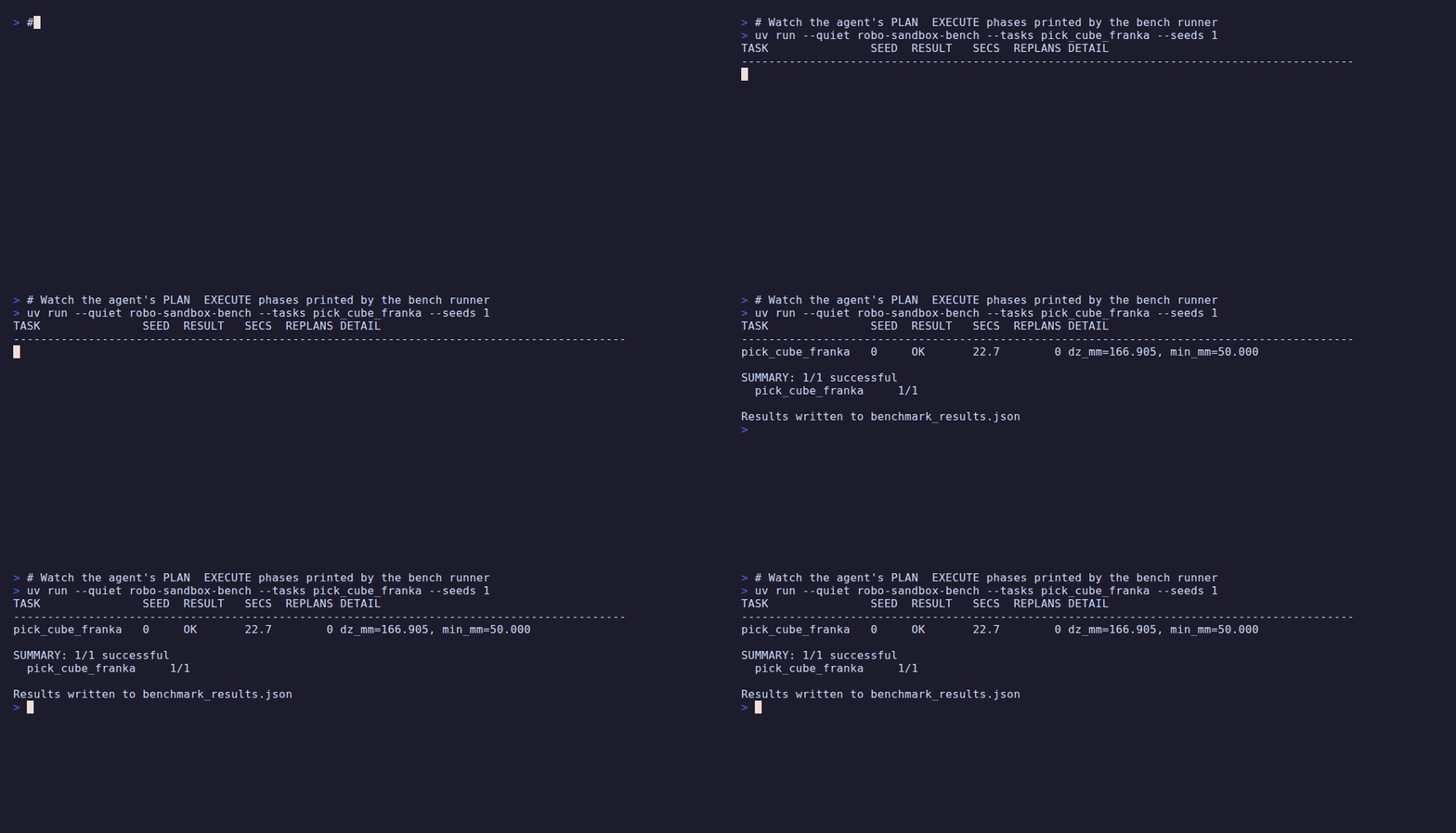
PLAN:    task='pick up the red cube' replan=0
EXECUTE: pick({'object': 'red_cube'})
TASK               SEED  RESULT   SECS  REPLANS DETAIL
---------------------------------------------------------
pick_cube_franka   0     OK        1.1        0 dz_mm=166.905
The happy path is one PLAN, one EXECUTE, then done. If a skill
fails, the agent appends that failure to prior_attempts and plans
again, up to max_replans=3.
Read one pick
The easiest way to understand the stack is to read one skill all the
way through. skills/pick.py is short enough to do that:
# 1. Perception: text → 3D point
detected = ctx.perception.locate("red_cube", obs)
target = max(detected, key=lambda d: d.confidence)

# 2. Grasp: 3D point → gripper pose
grasps = ctx.grasp.plan(obs, target)
grasp = grasps[0]
approach = pose_offset_z(grasp.pose, 0.08)           # 8 cm above

# 3. Motion: pose → joint trajectory
traj = ctx.motion.plan(sim, start=obs.robot_joints,
                       target_pose=approach,
                       constraints={"orientation": "z_down"})

# 4. Execute: feed waypoints to sim.step
execute_trajectory(ctx, traj, gripper=0.0)

# Descend Cartesian-linear (not joint-space — avoids swinging the gripper sideways)
traj = plan_linear_cartesian(sim, start_joints, grasp.pose,
                             n_waypoints=60, orientation="z_down")
execute_trajectory(ctx, traj, gripper=0.0)

# Close, lift Cartesian-linear, verify the object rose 50 mm.
set_gripper(ctx, closed=1.0, hold_steps=60)
# ...lift + verify...
return SkillResult(success=True, reason="picked",
                   artifacts={"lifted_m": 0.167})
Each step in that path hangs off a @runtime_checkable Protocol. That
is why you can swap pieces without rewriting everything around them.
Why Damped Least Squares IK
MuJoCo already gives you forward kinematics and the Jacobian. The IK solver in RoboSandbox is the standard Damped Least Squares iteration:
That is the core of motion/ik.py. Add a few retries from different
seed poses plus Cartesian interpolation for straight-line moves, and you
have enough motion for the current pick/place/push tasks on a tabletop.
The ReAct loop
The agent loop in agent/agent.py is also simple:
IDLE → PLAN → EXECUTE (one skill) → ok? → next skill
                                │
                                └─ fail? → append to prior_attempts
                                           → REPLAN (≤ max_replans)
                                           → next PLAN with failures fed back
The planner does not need to know whether it is a regex parser
(StubPlanner) or a VLM (VLMPlanner). The agent does not care which
skill implementation it is calling. Each layer only sees the one below
it.
Plug in your own piece
The extension points all live in protocols.py:
A plugin that implements one of these Protocols can be passed into the
same call sites as the built-in implementation. For example, if you
want a different grasp planner, you pass a different GraspPlanner
into AgentContext. SimBackend and MotionPlanner are the biggest
surfaces; most of the others are a method or two.
One concrete caveat: swapping SimBackend is easy for observation+step
paths, but anything that reads MuJoCo's kinematic model still needs
either a backend that exposes that model or a different
MotionPlanner.
What's next
- Bring your own robot — swap the URDF.
- Bring your own object — drop in a YCB mesh or any OBJ.
- Add a skill — extend the action vocabulary.