Tutorial — LeRobot Policy Replay (pre-trained checkpoint)
This page shows what it looks like to take a public LeRobot checkpoint,
wrap it with LeRobotPolicyAdapter, and run it through
robosandbox.policy.run_policy on a robot that is not bundled with the
core.
What this tutorial is — and isn't
This is a policy-integration demo, not a promise that arbitrary public checkpoints will work unchanged. The clean path is:
LeRobotPolicyAdapter(policy) -> run_policy(sim, adapter)
when the checkpoint and sim actually match: same joint count, same camera keys, compatible normalization. In this tutorial they do not, so the example script uses a small compatibility shim. Treat that shim as user-side glue, not as stable API.
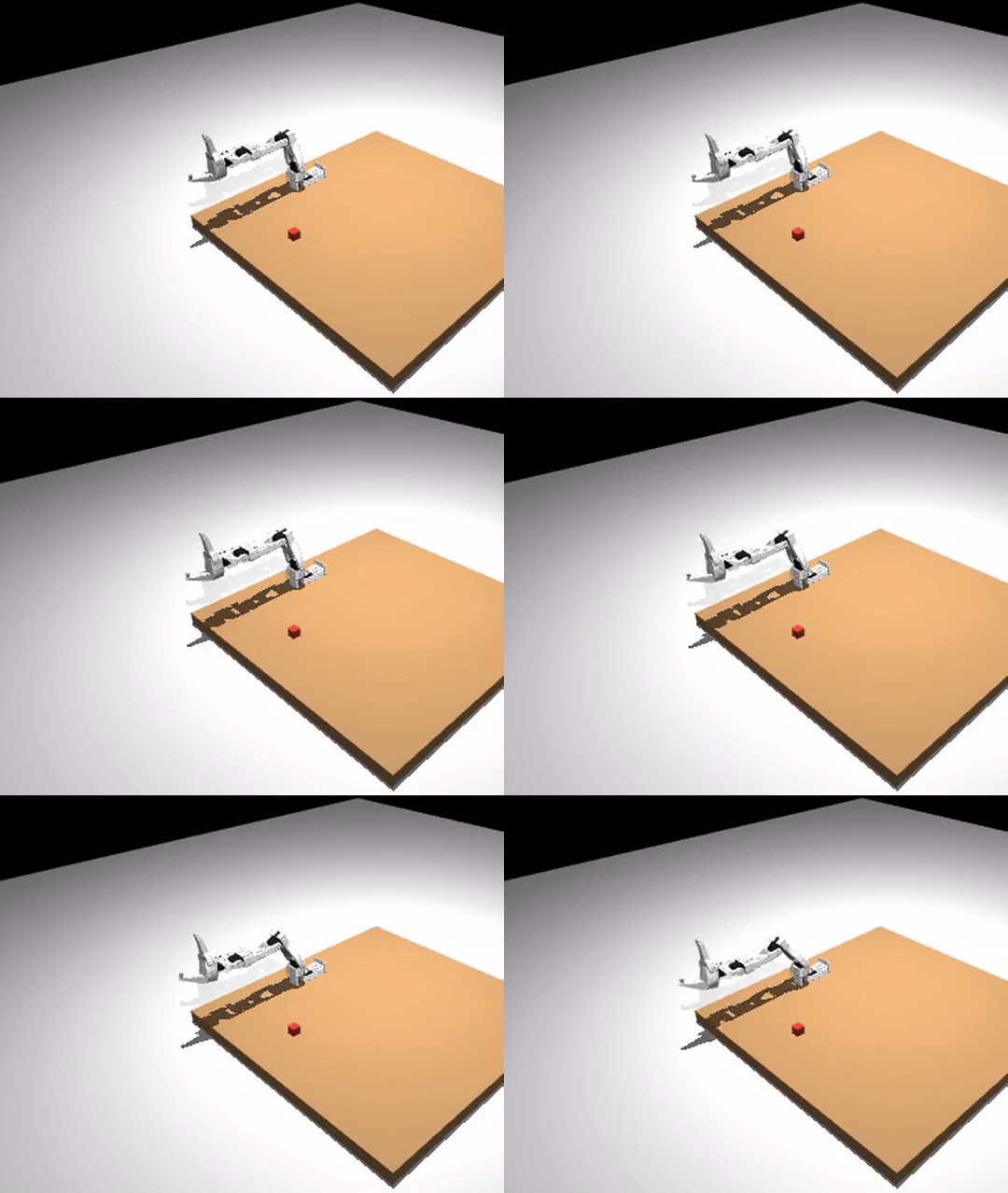
Watch the longer walkthrough
The demo uses a non-bundled SO-ARM100 (from
mujoco_menagerie)
plus
satvikahuja/act_so100_test,
a public pre-lerobot-0.5 ACT checkpoint.
The value of the tutorial is not that this exact checkpoint solves the
task. It is that the policy runtime path is real: load a robot, load a
checkpoint, adapt observations into the expected batch shape, and drive
the rollout through run_policy.
The four stages
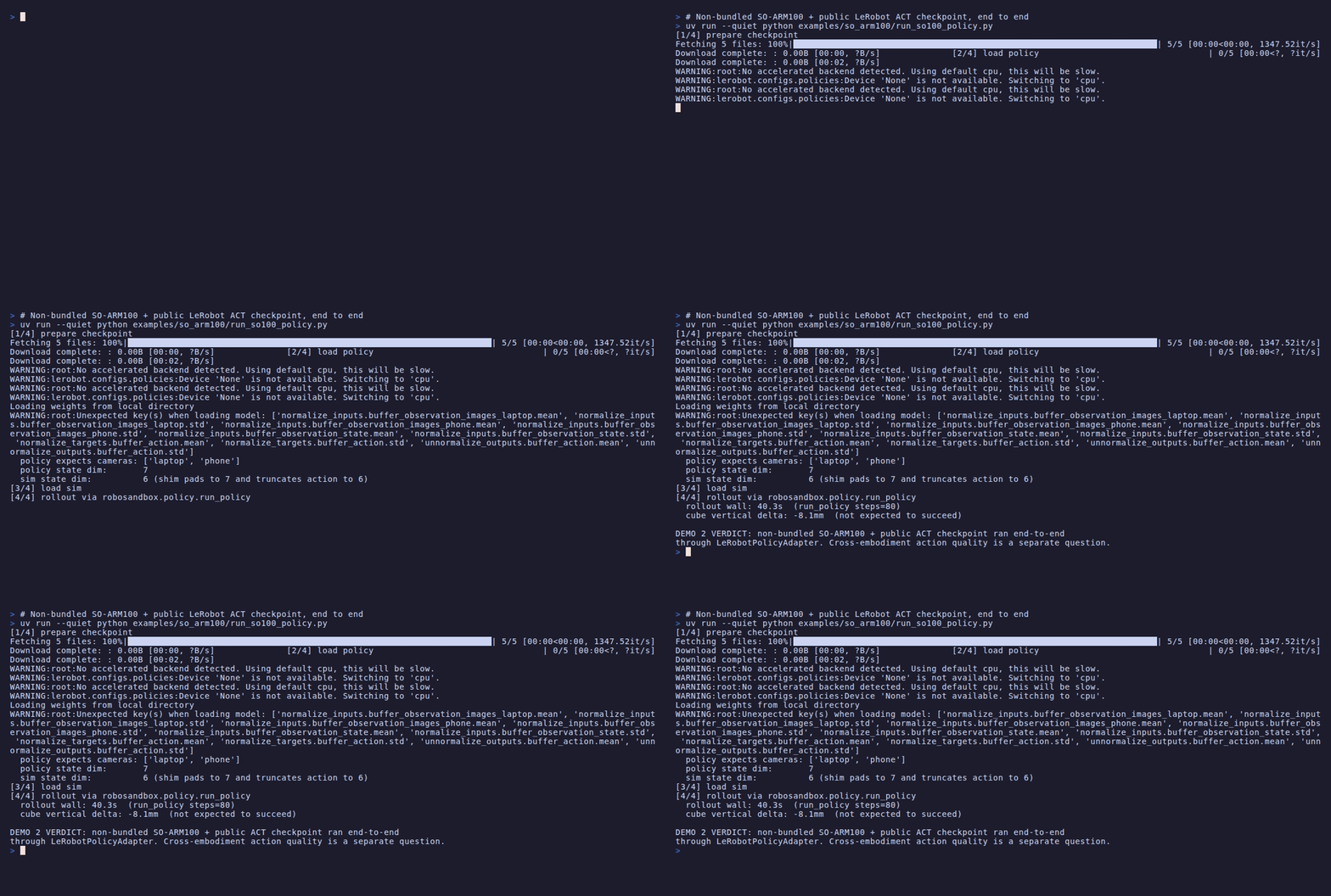
The companion script
examples/so_arm100/run_so100_policy.py
runs all four stages end to end:
1. Import the non-bundled robot
The SO-ARM100 MJCF + 18 STL meshes live under
examples/so_arm100/
(Apache-2.0, copied from Menagerie). The hand-authored
so_arm100.robosandbox.yaml sidecar (see the
BYO-robot guide for the schema)
declares:
- 5 arm joints:
Rotation,Pitch,Elbow,Wrist_Pitch,Wrist_Roll - 1 gripper joint:
Jaw open_qpos=1.5/closed_qpos=0.0— verified empirically by measuring the pad gap, not guessedhome_qposplacing the gripper over a reach-forward workspace- Injected
ee_siteat the Fixed_Jaw body with a -10 cm local-Y offset
Coverage in
tests/test_so_arm100_import.py
locks the DoF count, joint order, gripper open/closed ordering, and
reachability from home so this stays a real example rather than a
fragile demo asset.
2. Download and migrate a public checkpoint
from huggingface_hub import snapshot_download
local = Path(snapshot_download("satvikahuja/act_so100_test", ...))
Run
examples/so_arm100/probe_hub_schemas.py
to download config.json for a short list of public SO-100 ACT
checkpoints and classify their schema. At the time of writing, all six
checkpoints in the default list
(cadene/act_so100_5_lego_test_080000, satvikahuja/act_so100_test,
koenvanwijk/act_so100_test, Chojins/so100_test20,
pingev/lerobot-so100-1, maximilienroberti/act_so100_lego_red_box)
return legacy — they use input_shapes + input_normalization_modes
rather than the current input_features/output_features +
normalization_mapping, and loading them with current lerobot
crashes with a DecodingError. Rerun the probe to pick up new
uploads; extend the _CHECKPOINTS list in that script to widen the
sample.
The fix is:
examples/so_arm100/migrate_lerobot_config.py
rewrites config.json in-place. Run it once per checkpoint:
The rollout script above does this automatically on first download.
3. Wrap with LeRobotPolicyAdapter
from lerobot.policies.act.modeling_act import ACTPolicy
from robosandbox.policy.lerobot_adapter import LeRobotPolicyAdapter

policy = ACTPolicy.from_pretrained(str(local))
policy.eval()

adapter = LeRobotPolicyAdapter(
    policy,
    camera_name="laptop",                 # policy's primary image key
    image_size=(480, 640),                 # policy's expected HxW
    action_dim=7,                          # policy's output dim
)
LeRobotPolicyAdapter auto-detects torch policies and feeds them torch
tensors; mock policies still receive numpy (see
tests/test_lerobot_adapter.py
for the regression tests).
If your sim and checkpoint match, you stop here. The plain
LeRobotPolicyAdapter goes straight into run_policy:
from robosandbox.policy import run_policy

out = run_policy(sim, adapter, max_steps=80)
print(out["success"], out["steps"])
In this tutorial they do not match, so there is one more step.
Cross-embodiment escape hatch
satvikahuja/act_so100_test was trained on a robot whose state/action
vector is 7-dim (6 arm joints + gripper) with two cameras (laptop
and phone). Menagerie's SO-ARM100 exposes 5 arm joints + a gripper
(6-dim) with one scene camera. The dimensions don't line up:
| Dimension | Checkpoint expects | Our sim provides |
|---|---|---|
| Cameras | two — laptop + phone |
one — scene |
| State dim | 7 | 6 |
The example script uses a small DimShimAdapter that duplicates the
scene frame across both camera keys, zero-pads state 6 → 7, and
truncates the 7-dim action back to 6 before run_policy consumes it.
This is a workaround, not a reusable API contract. Read the
full ~20-line source
if you want to see the whole thing.
When a checkpoint trained for your exact embodiment lands (same DoF,
same camera keys, same normalization statistics), skip the shim and
drop the vanilla LeRobotPolicyAdapter into run_policy directly.
4. Run via run_policy with recording
from robosandbox.policy import run_policy
from robosandbox.recorder.local import LocalRecorder

recorder = LocalRecorder(Path("runs"))
recorder.start_episode(task="so100 rollout", metadata={})

def _frame_hook(obs, action):
    recorder.write_frame(obs)

out = run_policy(sim, adapter, max_steps=80, on_step=_frame_hook)
recorder.end_episode(success=False, result={"steps": out["steps"]})
80 steps at sim dt=0.005 s is about 400 ms of simulated time. The
rollout writes the same video.mp4 + events.jsonl + result.json
artifacts as the export tutorial.
What to look for at each stage
| Stage | Signal |
|---|---|
| Import | MuJoCoBackend.load(scene) returns; sim.n_dof == 5; reachability pre-flight empty |
| Migrate | config.json now has type, input_features, output_features keys |
| Wrap | ACTPolicy.from_pretrained(local) succeeds; policy.config.input_features matches what the sim will provide |
| Run | Terminal prints rollout wall: ~3s with no traceback; runs/<id>/video.mp4 exists |
What not to overread
- The cube being lifted. This checkpoint was trained on hardware and cameras that do not match the sim here. The arm may move in plausible ways without actually completing the task.
- A drop-in replay recipe for arbitrary checkpoints. The general lesson here is about the integration path, not about universal compatibility.
What would it take for this to become a real policy demo?
Three things need to line up for a meaningful policy run in sim:
- Embodiment match. Checkpoint's joint count, joint order, and
gripper convention must match the sim's URDF. Menagerie's
trs_so_arm100is 5-DoF; most public SO-100 ACT checkpoints were trained on 6-DoF SO-101 variants. Bringing in the SO-101 URDF collapses that gap. - Camera match. The checkpoint's image keys (
laptop/phonehere) need real camera views, not duplicated scene frames. Adding a second MuJoCo camera at the right extrinsics is a scene-level change. - Normalization match. The checkpoint's
normalization_mappingships the mean/std statistics from its training distribution. Sim observations that fall well outside that distribution produce garbage actions even when plumbing is perfect. This is rarely a hard blocker but is often a subtle one.
Those are outside the scope of this page. This tutorial is about the runtime path, not about claiming successful cross-embodiment transfer.
Where this fits
In the broader record -> train -> deploy story, this is the middle
step:
- LeRobot Export — proves the data path.
- LeRobot Policy Replay with a pre-trained checkpoint (you are here) — proves the policy integration under cross-embodiment mismatch.
- Sim-to-Real Handoff — the deployment recipe and SO-101 backend skeleton for taking a sim-validated policy or skill to real hardware.
Requirements
uv pip install -e 'packages/robosandbox-core[lerobot]'
uv pip install lerobot        # brings torch, torchvision, lerobot's policy code
The first line matches the export tutorial and
pulls pyarrow. The second is only needed for this page.
Footprint: ~2 GB for torch + torchvision + lerobot dependencies.
Troubleshooting
| Symptom | Likely cause |
|---|---|
ParsingError: Expected a dict with a 'type' key |
Pre-lerobot-0.5 checkpoint; run migrate_lerobot_config.py |
DecodingError: The fields input_normalization_modes, input_shapes ... are not valid |
Same — the full migration adds input_features/output_features, not just type |
TypeError: linear(): ... must be Tensor, not numpy.ndarray |
Older RoboSandbox without the torch-gating fix; pull latest or pin robosandbox >= <version-with-fix> |
ValueError: LeRobot policy returned action dim N, expected M |
Set action_dim=N on the adapter to match the checkpoint's output, then handle the sim mismatch in a shim |
| Arm moves but doesn't grasp | Expected — cross-embodiment policy action quality is not the claim |
Credits
- SO-ARM100 URDF + meshes: google-deepmind/mujoco_menagerie
(
trs_so_arm100, Apache 2.0). - Public ACT checkpoint:
satvikahuja/act_so100_test. - LeRobot policies: huggingface/lerobot.