Quickstart
Five minutes from clone to a recorded episode in the browser.
Install
Step 1 — install uv (Python package manager, replaces pip + venv):
curl -LsSf https://astral.sh/uv/install.sh | sh
source $HOME/.local/bin/env   # or open a new terminal
Step 2 — clone and install:
git clone https://github.com/amarrmb/robosandbox
cd robosandbox
uv sync
uv pip install -e 'packages/robosandbox-core[viewer]'
MuJoCo 3.2+ and the browser viewer come in as dependencies. No GPU required.
Nothing extra needed — MuJoCo uses the system OpenGL automatically.
Install an OSMesa headless GL backend for rendering without a display:
Not currently supported. WSL2 running Ubuntu 22.04 works; follow the Linux tab inside WSL.
1. Open the viewer
Then open http://localhost:8000 in your browser.
Running on a remote machine?
The viewer binds to 127.0.0.1 by default. To reach it from another machine, either:
SSH tunnel (recommended) — run this on your laptop, then open http://localhost:8000:
Bind to all interfaces — use on trusted/private networks only: ```bash uv run robo-sandbox viewer --host 0.0.0.0
→ open http://:8000
``` You'll see a live sim window, a task input field, and a log panel.
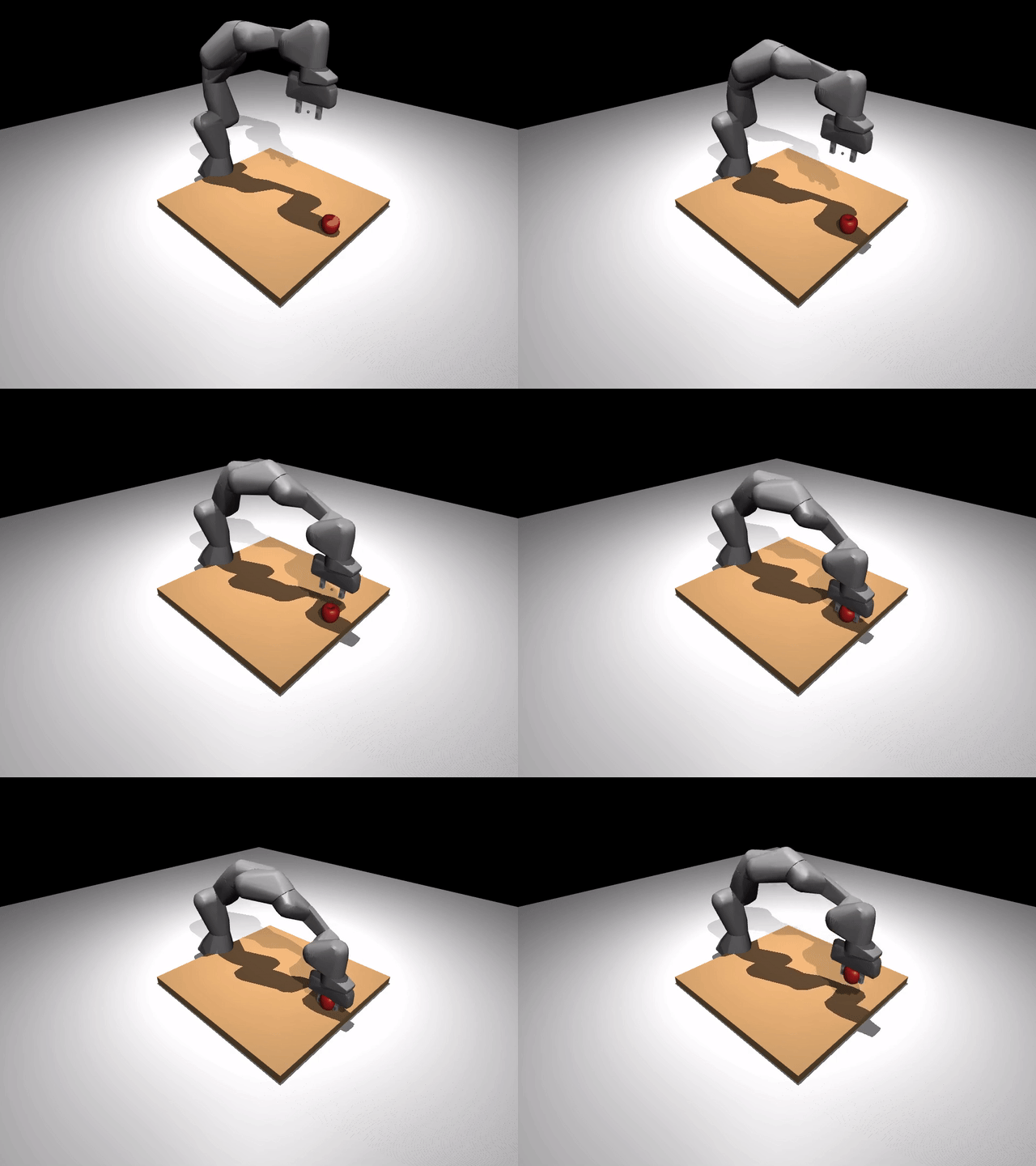
Type pick up the red cube into the task field and hit Run. The arm plans and executes the pick while frames stream into the browser. The log panel shows each step and prints the outcome when the episode ends.
2. Record an episode
Enable Record in the viewer toolbar, then hit Run again. The sim runs the same task and writes a run directory to disk. When it finishes the log prints the exact path:
Your runs/ folder now has a timestamped directory with video.mp4, events.jsonl, and result.json.
3. Export to LeRobot
Copy the path from the log and run:
uv pip install -e 'packages/robosandbox-core[lerobot]'
uv run robo-sandbox export-lerobot runs/<your-episode-dir> datasets/my_demo
You now have a LeRobot v3 dataset on disk, ready to inspect or train on.
Next steps
- Guides — how the agent loop, skills, and replan work
- Bring your own robot — swap the arm
- Bring your own task — write a custom task
- LeRobot workflow — full sim-to-real pipeline